
Phone Repair
Cracked screens, weak batteries, charging ports, cameras, speakers, liquid exposure and diagnostics.
Phone repair Dallas ↗We Revive Electronics helps Dallas make the smartest next move for every device: repair what is worth saving, replace what is not, and trade in the technology you no longer use.
Explore our services ↗Fast paths to the service you need, written for people—not technicians.
Cracked screens, weak batteries, charging ports, cameras, speakers, liquid exposure and diagnostics.
Phone repair Dallas ↗Hardware upgrades, slow computers, broken screens, startup failures, data recovery and tune-ups.
Computer repair Dallas ↗Screen, battery, charging, button and performance repairs for the tablets you use every day.
Tablet repair Dallas ↗Shop quality-inspected phones, computers and tablets with clear condition details.
Shop electronics ↗We diagnose the issue, explain the practical options and help you decide whether repair or replacement creates the better value.
Every successful repair begins below the surface. Screen, battery, camera, logic board and frame work together as one system—so diagnostics should look at the complete device, not just the obvious symptom.
 DISPLAYGlass + touch layerCOREPower + logic
This short motion sequence turns the We Revive promise into a visual story: inspect the damage, isolate the failure, restore the device and verify the result.

Clear service pathways for the issues Dallas phone, computer and tablet owners face most often.
Cracked phone screens, laptop displays, touch problems, lines, flicker and image failure.
Ask about this issue ↗Fast battery drain, charging-port problems, power issues and devices that will not turn on.
Ask about this issue ↗Slow computers, freezing, storage limitations, overheating, updates and hardware upgrades.
Ask about this issue ↗Data recovery, backups, operating-system issues, malware concerns and startup problems.
Ask about this issue ↗Speakers, microphones, cameras, buttons, keyboards, trackpads and other essential components.
Ask about this issue ↗Liquid exposure, drops, intermittent faults and complex issues that need a careful assessment.
Ask about this issue ↗Get a practical starting point in under a minute. Add the model or device identifier for a more useful technician handoff.
Smartphones for work, life and everything between.
Shop Phones ↗Portable performance for business, school and home.
Shop Laptops ↗Reliable power for focused work and upgrades.
Shop Desktop Computers ↗Flexible screens for entertainment and productivity.
Shop Tablets ↗Products, pricing, availability, configurations and collections stay connected to the Shopify catalog.
No mystery language. No pressure. Just a smarter path for your device.
We start with the symptoms and diagnose before recommending a repair.
Repair, replace or trade—the right answer depends on value, not habit.
Clear expectations help you make a confident decision about your technology.
Education and preventative care can extend device life and reduce avoidable waste.
Three different needs. One clear standard: understand the device, protect the value and choose the next step with confidence.

Cracks, touch issues and display failure—diagnosed before parts are replaced.
Explore the path ↗
Computer and laptop problems traced to the component, software or storage issue behind the slowdown.
Explore the path ↗
Quality-inspected phones, computers and tablets ready for the next owner.
Explore the path ↗Use the handle to compare the same device before and after a screen restoration. Real customer repairs can replace these launch visuals as approvals are collected.


Compare the damaged and restored device, then follow the repair path that protects function, value and daily use.

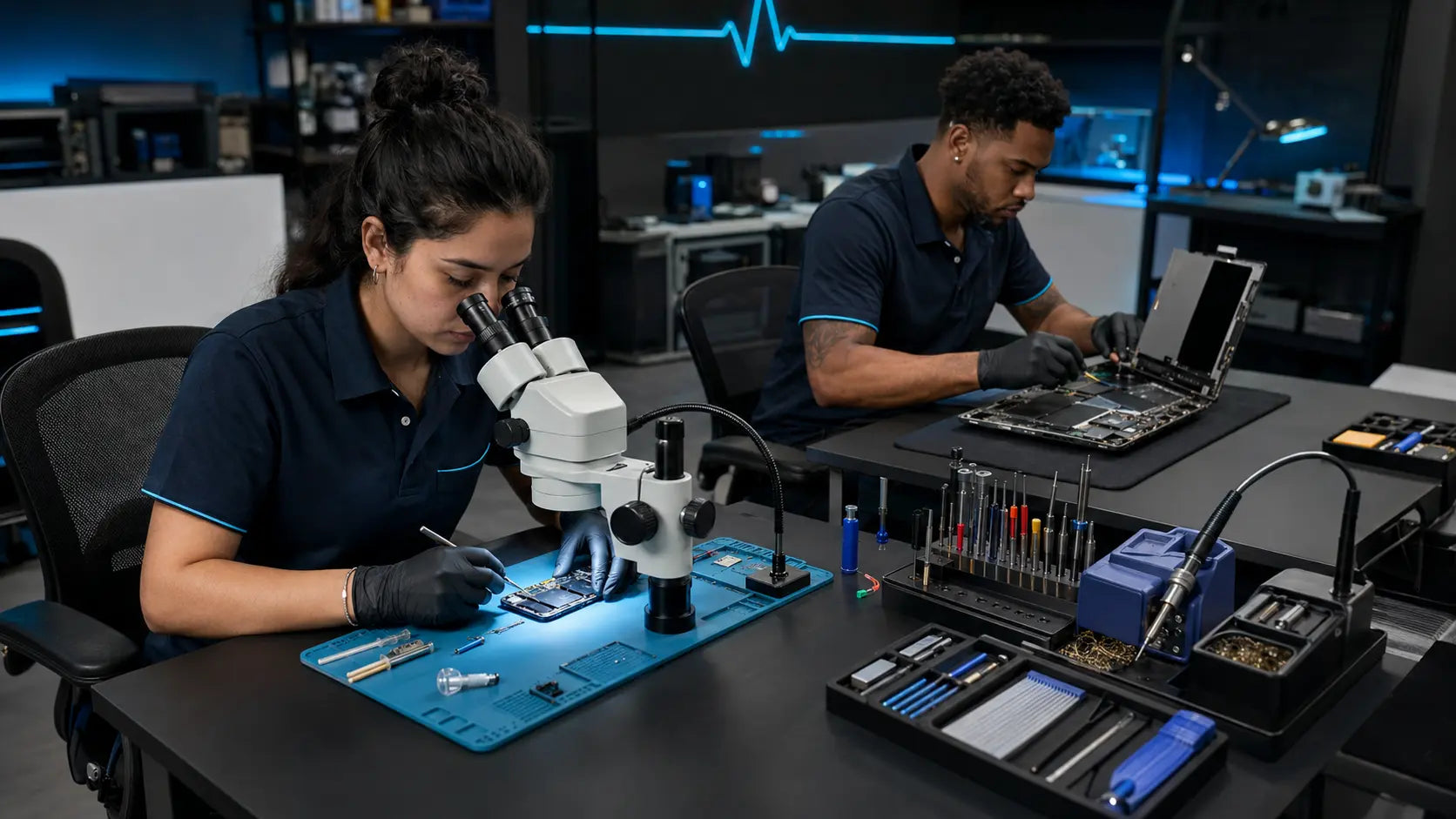
See the clear repair journey after a device reaches the bench: protect the customer’s priorities, isolate the issue, complete approved work and verify essential functions.
Choose your device and describe the issue in plain language.
We inspect the device and explain the repair path and price.
Approve the work and let our team restore the device you rely on.
Customer confidence comes from verified feedback, written expectations and approval before any repair work begins.
Start With a Clear Diagnosis ↗Customer feedback is tied to a clear source and real service experience so trust is earned, not manufactured.
SOURCE VERIFIEDRepair scope, applicable coverage and important exclusions should be clear before the customer approves the work.
CLARITY IN WRITINGThe repair request captures the device and symptom first, so the team can confirm scope and cost before the customer authorizes work.
APPROVAL REQUIREDCustomers trust people with their devices, data and daily routines. Meet the specialties that guide diagnostics, repair quality and the customer handoff.
Phone diagnostics, screen systems and repair-quality review.
Laptop, desktop, hardware, performance and data-recovery pathways.
Intake, repair-or-replace guidance and a clear handoff experience.

Turn eligible phones, computers and tablets into value toward what comes next while keeping usable electronics in circulation.
Start a Trade-In ↗Based in Dallas and serving surrounding communities with phone repair, computer repair, laptop repair, tablet repair, device sales and trade-in guidance.
Whether you are looking for phone screen repair in Dallas, laptop repair near Richardson, computer help near Garland or a quality tablet in the DFW area, We Revive connects the search to a clear service pathway.
Our educational content explains repair decisions, device care, refurbished buying, privacy preparation and trade-in readiness—so every visit can begin with a better answer.
Condition, battery health, storage and the questions that protect your purchase.
Read the guide ↗Answer a few focused questions so the repair team receives the device, symptom, urgency and contact details together.
We service phones, laptops, desktop computers and tablets. Common repairs include screens, batteries, charging issues, performance problems, data recovery and diagnostics.
Start with a device assessment so the problem, repair options and expected cost are clear before work begins.
Yes. Phones, laptops, desktop computers and tablets populate through Shopify as products are added to the catalog.
We Revive Electronics is Dallas-based and serves customers across Dallas and nearby communities.
It depends on device age, condition, repair scope, performance needs and available support. Use our Device Decision Advisor for a starting point, then request a diagnostic.